Vampire Survivors has native online co-op for up to four players. You can explore independently, and joining a friend does not mean playing only for their benefit: when the run ends, you can choose to apply the progress earned to your own save.
The useful decisions happen before the enemies arrive. Check that your versions can connect, pick a host whose unlocked stages suit the group, and decide whether you want to advance an existing save or discover the game together from the beginning.
Check platforms and DLC before creating a room
Each online player needs a separate device and access to the game. You cannot put two players on one console and add another friend online: local and online co-op are separate sessions. On consoles, allow for the subscription required for online multiplayer.
There is no universal crossplay. The confirmed combinations include Xbox Series X|S with the Microsoft Store/Game Pass PC version, and PS4 with PS5. Steam does not connect to console players, and Xbox and PlayStation cannot share a room. On PC, check the storefront as well as the operating system; do not assume Steam and Epic can connect just because both players use a PC.
On PC and consoles, the base game is enough for online play. To use an expansion together, everyone needs that DLC. If three friends own a pack and the fourth does not, choose content everyone has before planning an evening around that expansion.
The free mobile versions have an extra requirement
The standard mobile game also has online multiplayer. On the free mobile versions, each player needs to have purchased at least one paid DLC, and the game must be in landscape orientation for online access. That purchase unlocks access to online play; using a particular expansion together still requires everyone to own that pack. Treat Vampire Survivors+ on Apple Arcade as a separate edition, and check its online support before arranging a session. Mobile availability does not imply crossplay with PC or consoles.
How to host or join an online run
- Update the game and installed DLC. Use compatible versions; for a straightforward first session on Steam, stay on the normal release branch rather than mixing it with a public beta.
- Choose who will host. Their save supplies the available stages and item pool. Let the newer player host if the aim is to discover their next stage together.
- Open Online from the main menu. The host creates a room and shares the code shown near the top of the screen. Friends choose to join and enter that code. Xbox also supports platform invitations.
- Choose characters, then a stage. Check that everyone is in the room before starting. There is no random matchmaking to fill empty places. The game has no built-in voice or text chat, so arrange a separate call if you want to talk.
What progress does each player keep?
Three different things affect an online run:
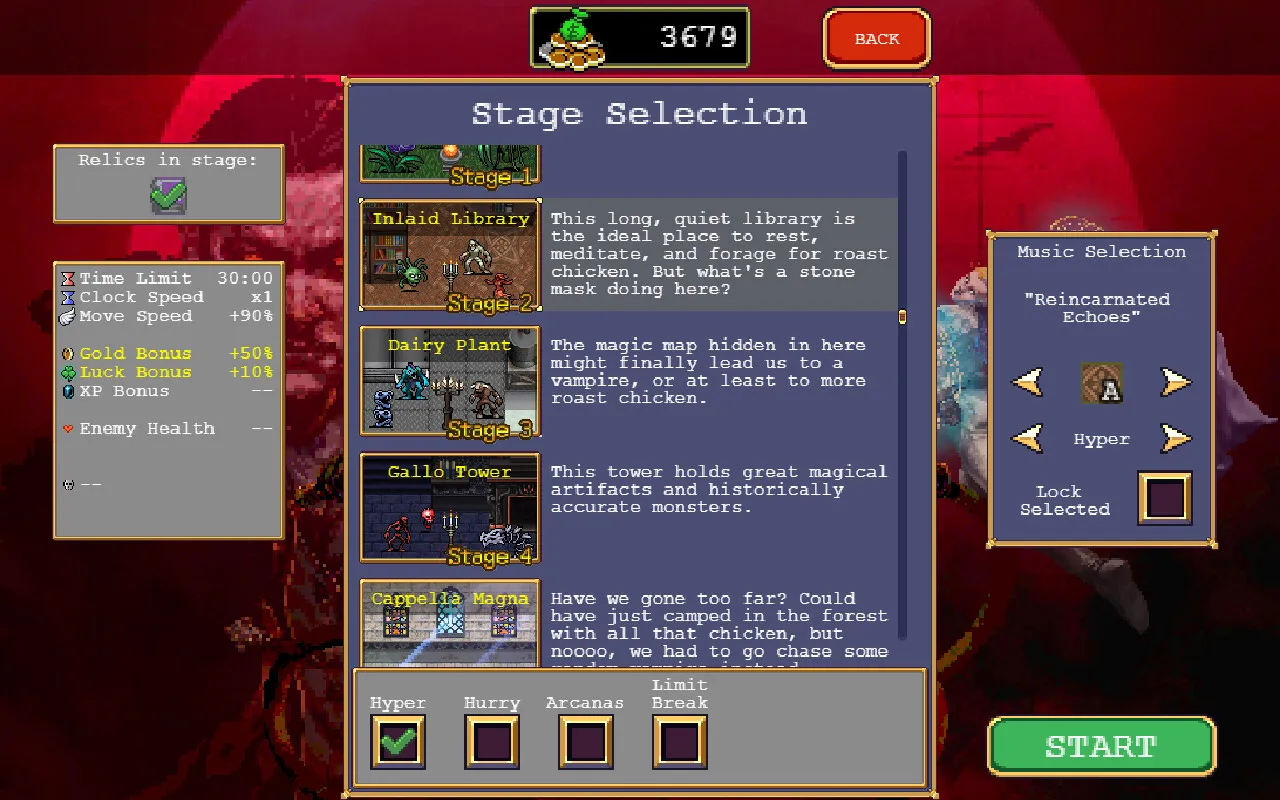
- Your character choices: you select from the characters unlocked on your own save. Joining a veteran does not give you their whole roster.
- The run's available content: the host's save determines the stages, weapons and passive items available, subject to the group's DLC ownership.
- The progress you keep: gold and achievements are collected as a group. At the end, each player decides whether to apply the earned progress to their personal save.
Think of visiting a friend who has more stages open. You can join their outing with one of your own characters and work towards unlocks together. Accepting the results lets you carry earned progress home; it does not copy everything your friend had already unlocked. Read the end-of-run choice before dismissing it, especially if you want to discover those unlocks yourself later.
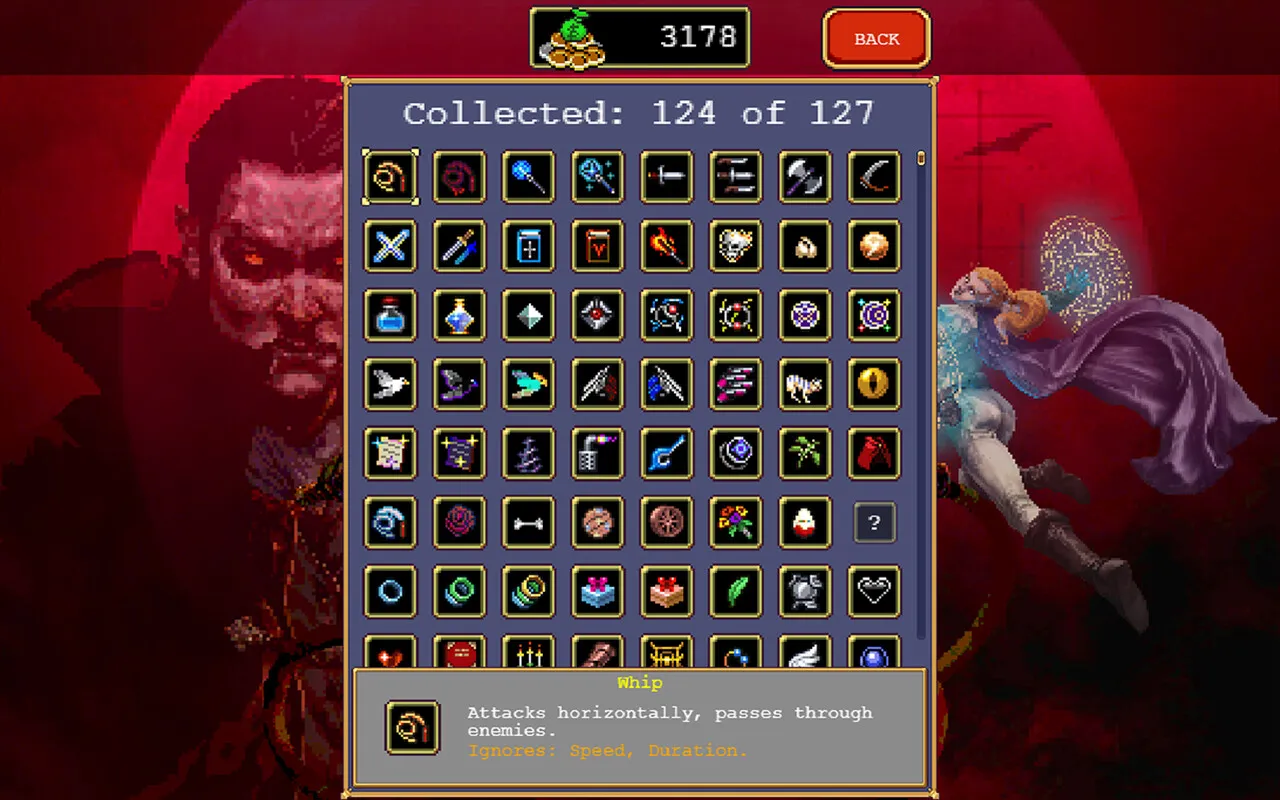
If your group wants a fresh start, multiple save slots offer a useful alternative to using a veteran's main save. We recommend that each player reserves a separate slot for the group and selects it before hosting or joining. Everyone still has their own save, but this keeps solo progress separate from the runs you play together.
This is separate from cross-save, which transfers your own data between supported platforms. It does not make otherwise incompatible players able to connect, and it is not a system for merging friends' saves.
What changes once the run starts?
Online players can move beyond one another's screens. That gives you room to explore in different directions, though entering a boss room can pull the others into the encounter. Check before crossing into one if a friend is still getting ready.
Experience is shared, and online level-ups are grouped so everyone gets their turn: with four players, the selection appears every four levels. Your pause menu also leaves the others playing and grants only a brief period of invulnerability. It is not a safe way to leave the game unattended.
Death and disconnection have different consequences. A defeated online player can spectate a surviving teammate; when they revive, they reappear at that teammate's position. If a guest loses their connection, the run continues and their weapons go to the remaining players, but they cannot rejoin until that run ends. If the host disconnects, the session ends for everyone. Choose someone who can stay for the attempt, and do not use disconnecting as a substitute for finishing the run and accepting its results.
When Steam Remote Play Together makes sense
If only one friend owns the Steam game, Steam Remote Play Together is an alternative. The owner launches the game and invites friends through Steam to control its local co-op session over a stream. Only the host needs the copy. Plan for one controller per guest if the host uses the keyboard: streaming does not let several keyboards act as separate local players.
You are sharing the host's screen and local save. Guests should not expect the native online mode's independent movement or personal end-of-run progress choice. Use it to try the game together from one copy; choose native online when everyone wants to move independently and keep progress in their own save.
Choose a first run you can build on
For a mixed group of newcomers and experienced players, we recommend letting a newcomer host and keeping the first session to content everyone owns. An advanced save can be useful when the group specifically wants to visit a later stage, but it need not set the pace of somebody else's introduction.
The appeal of co-op survivor-like games is watching a few upgrades grow into a build that can handle the next wave. Decide which save you want to develop together, and each run has a clear purpose beyond simply joining the same room.