Your usual host cannot play tonight, but the rest of you want to finish the base. In Subnautica 2, another friend can host that world if they have a saved copy. The crucial detail is making sure it contains your latest work.
You advance one world together, and you can pass its save between players. That gives a group flexibility, but it is not automatic synchronisation between everyone's copies. Building in one copy does not update another copy sitting on a friend's device.
What progress does the group share?
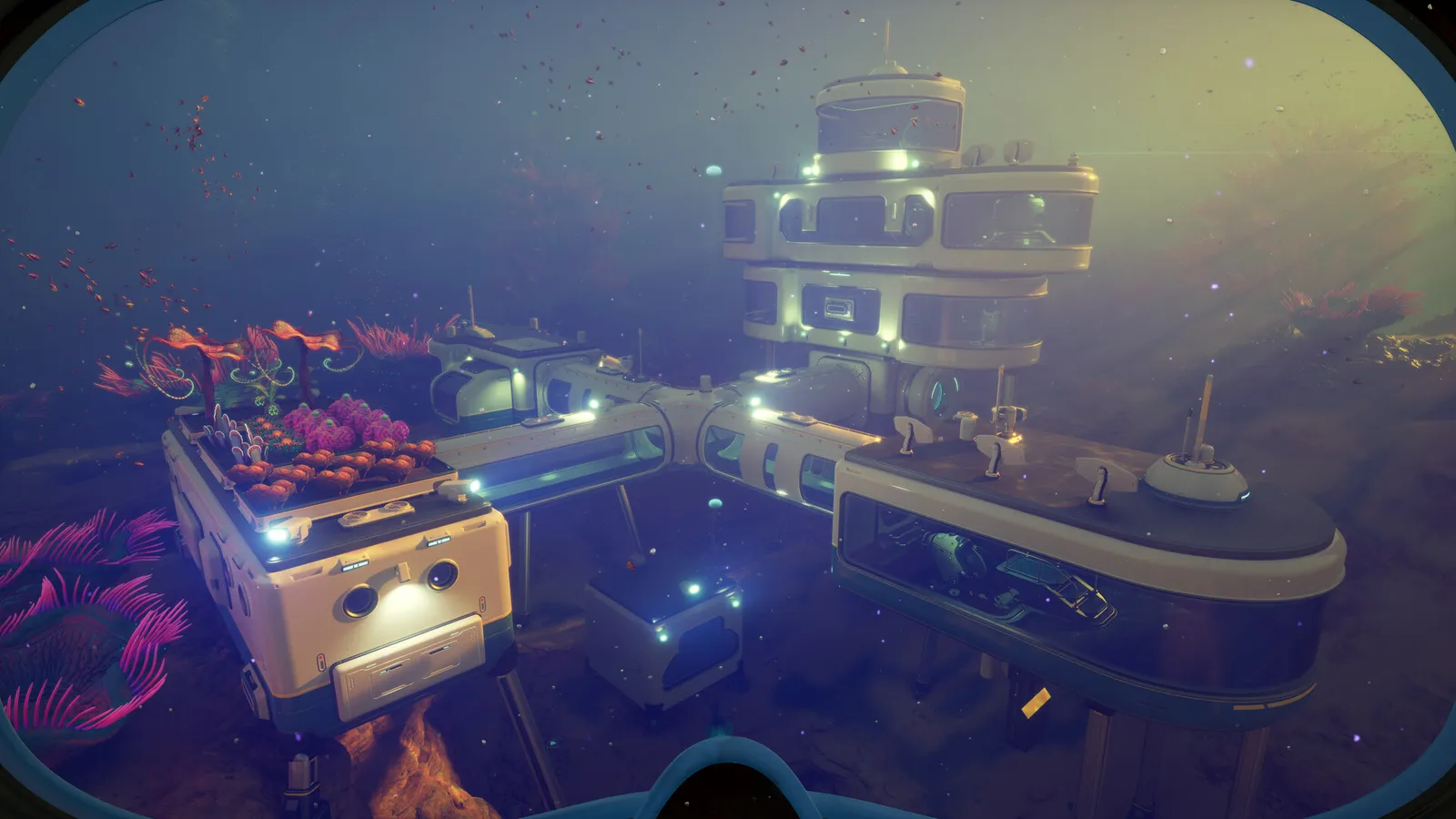
The base and the discoveries that help you develop it belong to the shared world. Your diver still has their own inventory and character upgrades. Those are different kinds of progress, even when they are recorded in the same saved game.
| Part of your progress | What it means for the group |
|---|---|
| Bases and their infrastructure | You build and use the same structures. |
| Blueprints unlocked in the world | Unlocks are shared within that world. |
| Story and world progress | The group advances the hosted world's story. |
| Carried items and equipment | Each player has their own inventory. |
| Upgrades applied to each character | Check each character; another player's upgrade is not enough. |
For example, finding a blueprint can help the person working on the base while someone else is exploring. It does not put a newly crafted tool into every diver's hands. You still need to make and distribute the equipment you want to take out. You can trade items directly with another player to hand over supplies without dropping them on the seabed.
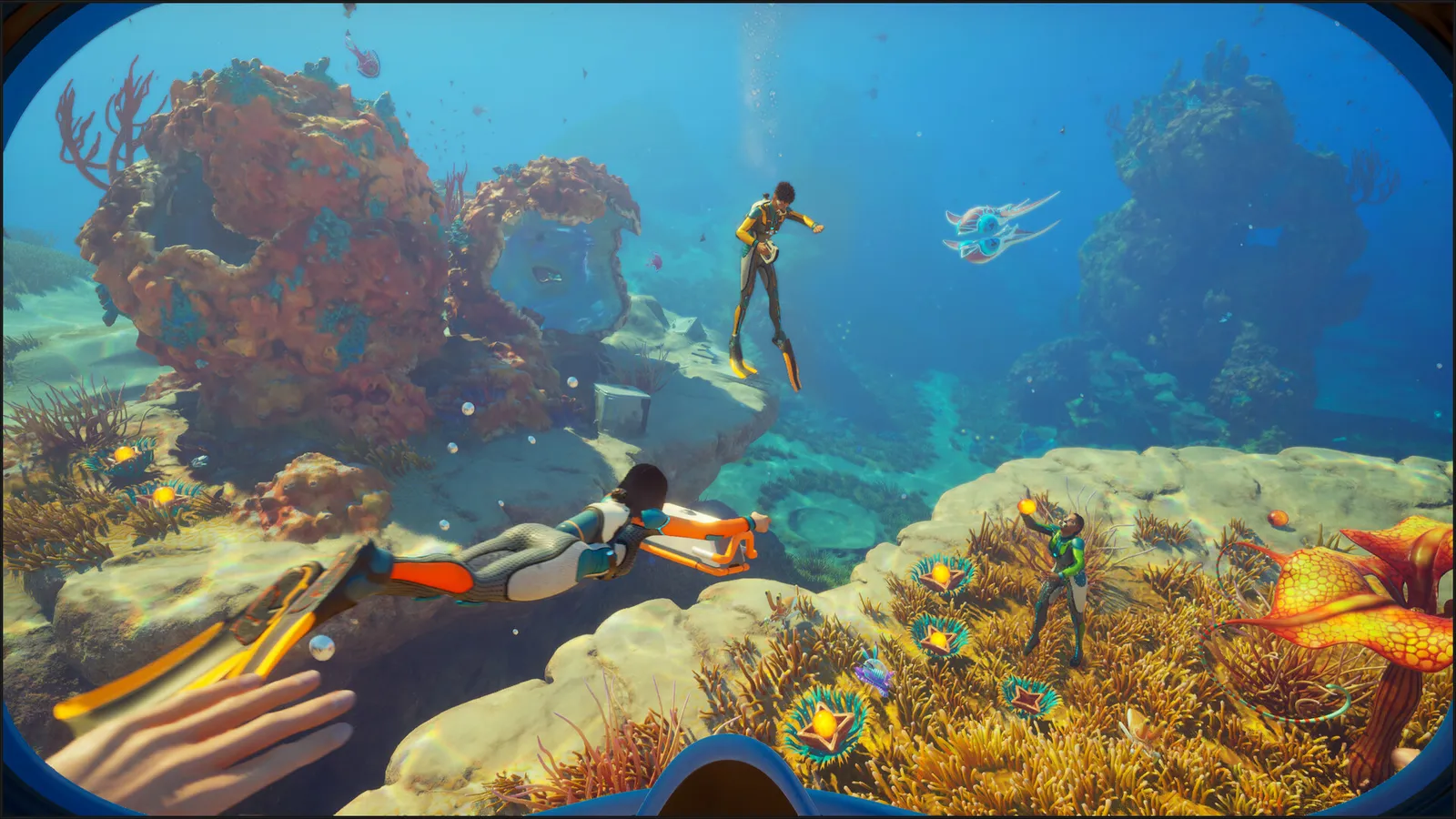
A friend joining your established world should check their gear and personal upgrades before following you into deeper water. Joining does not import the character and inventory from their separate solo save. An established base is useful support, but it does not make every character equally prepared.
Will someone miss the story if you play ahead?
Shared story progress means that exploring ahead can move the group's world beyond where an absent friend left it. They may return to new facilities and discoveries, but receiving the benefits is different from being there when you first found something.
Unlocked audio logs appear in the PDA and play only for the person who selects them. Each player can replay an available recording without making the whole group hear it again.
For a first playthrough, we recommend agreeing which discoveries you want to make together. Expanding a familiar base between sessions and investigating a new story location need not follow the same rule. Decide that distinction before a friend logs in to find the next expedition already finished.
Who hosts, and where does the save live?
The built-in co-op setup has one player host a world and the others join that session. It supports up to four players online, including crossplay between PC storefronts and Xbox Series X|S. On Xbox consoles, online multiplayer also requires a suitable Game Pass subscription.
The host needs to keep the session running for the others to play. If they leave, continuing with a different host means starting another session from a saved copy.
The save loaded by the host is the version everyone is advancing. It holds the world's state and the player data recorded for that world; it is not just a record of the host's own discoveries. Before ending a session or handing it over, save the group's latest progress.
Unknown Worlds describes saves as primarily local to your device. Your platform may also back them up through its account-based cloud system, such as Steam Cloud or Xbox cloud saves. That is separate from deliberately sharing a world with a friend. Seeing that your platform has synchronised does not mean another player's copy has received your changes.
How to let a different friend host
The game's cloud sharing feature provides a way to pass a saved world to another player, including across supported platforms. Treat it as a handover between sessions: uploading a save does not keep a live server running.
- Finish and save the session. Agree which saved version the group will continue.
- Select that world in the main menu's save list. Use the cloud upload option. Official support calls this Save to Cloud; the multiplayer guides also show Upload to Cloud.
- Send the generated save code to the next host. This is a save-transfer code, separate from the friend code used to add someone to your friends list.
- The next host imports it. From the main menu, choose Import Save File, as named in official support, and enter the code. Open the imported multiplayer world and invite the group.
- Pass on the updated copy when hosting changes again. If the original host takes over later, they need the newer save, not their older local copy.
The official save-sharing instructions explain the upload and import controls. You do not need an external save-sharing tool for this procedure.
What happens if two people continue separately?
Suppose Alex sends Bea the group's save on Monday. Bea adds a room on Tuesday, while Alex loads Monday's copy and builds a different extension. They now have two different versions of the base. Importing Bea's save is not an instruction to combine the two construction projects.
For a continuing group world, we recommend keeping one agreed latest copy. Whoever plays next uses that version, and whoever takes over hosting receives the updated save. Keep older copies as backups, clearly distinguished from the one you intend to continue.
If everyone wants independent access at different times, factor that handover into your choice. When comparing co-op survival games, how a world stays available can matter as much as what you can build in it.
Solo saves and compatible versions
You can bring an existing solo world into co-op. In the single-player save list, select the world and choose Convert to Multiplayer, then host it. Official support also documents the reverse conversion through the multiplayer save list.
Before converting a group save back to solo, keep a separate copy and read the game's confirmation carefully. For a change of host, transfer the multiplayer save directly.
Everyone also needs a compatible game version. In particular, the standard and Experimental branches cannot join the same multiplayer session. Their saves are kept separately, and official support says importing and exporting does not transfer saves between those branches. For a first group world, we recommend staying together on the standard branch.
This guide covers the Early Access game as checked on 18 November 2026. The practical decision is who will hold the latest save after each session. Settle that once, and a change of host can be a planned handover instead of a search for the version with your new base in it.