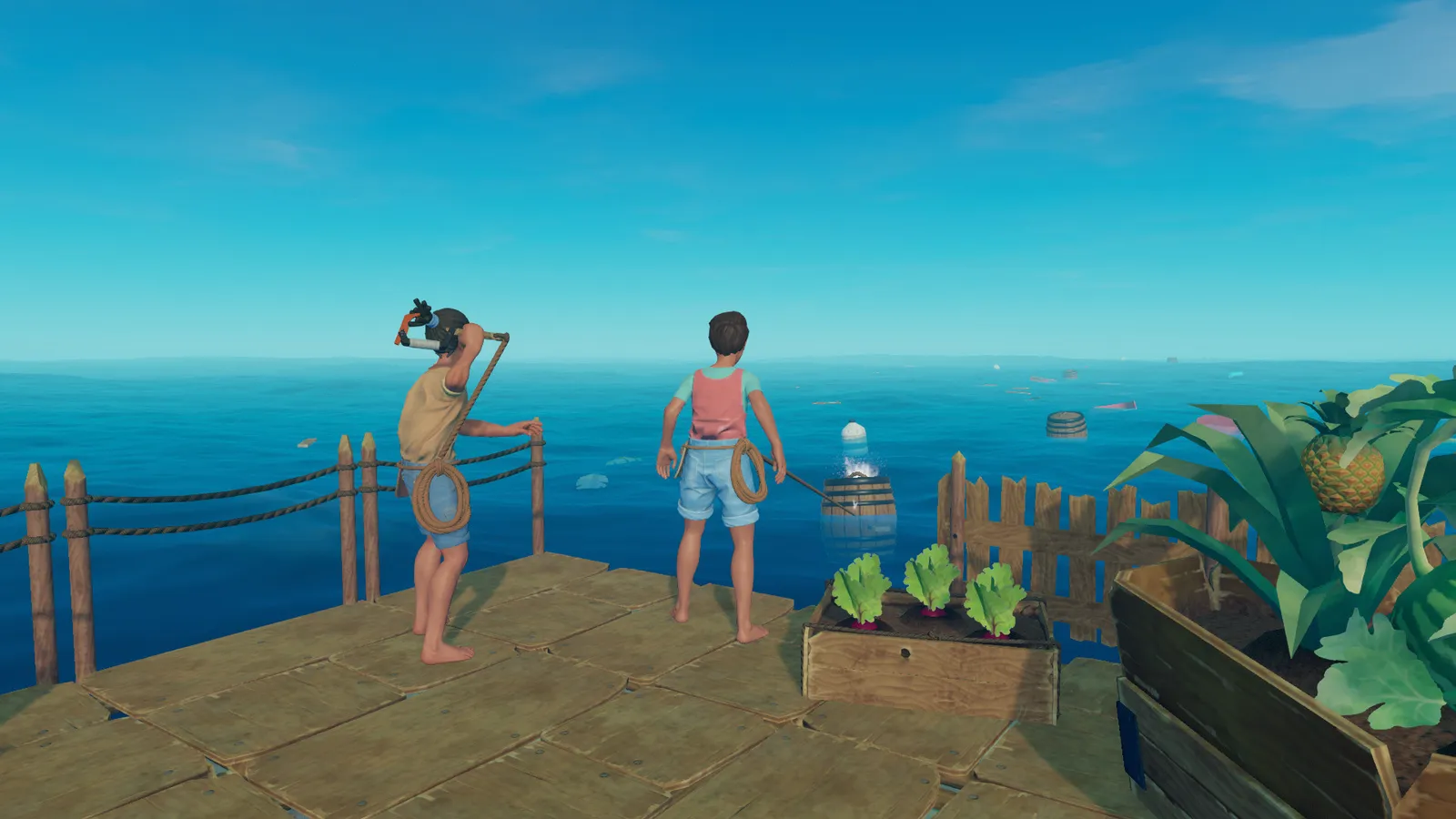
Raft supports crossplay between Steam on Windows PC, PS5 and Xbox Series X|S. PC can play with either console, and PS5 can play with Xbox. You can also mix all three in one crew: a friend on Steam can share the raft with two others playing on different consoles.
Steam players no longer need the crossplay beta. The update moved to the default branch on 10 March 2026. Start with an updated normal installation; older guides that tell everyone to opt into a beta describe the previous setup.
Platforms and player limits
For a group that includes console players, plan for up to ten people in total, including the host. A pair can play together too; you do not need to fill the available places.
- PC: use the Steam Windows version with updates installed. If you previously changed branches, return to the default version. The branch named
1.09_precrossplayupdateis the version from before crossplay. - PS5: each player needs access to the game and online multiplayer through PlayStation Plus.
- Xbox Series X|S: each player needs access to the game and online console multiplayer through an eligible Game Pass plan. That subscription requirement is separate from owning Raft.
Eligible shared subscription benefits can also provide online access under PlayStation or Xbox console-sharing rules; a separate subscription is not always needed for every account.
This is online co-op, with each player using their own device. There is no built-in split-screen mode. The native console versions are PS5 and Xbox Series X|S; a PS4 or Xbox One installation is not an alternative version you can use for this setup.
Create the world and join with its code
- The host creates or loads a world. Use New World or Load World, choose Invite Only and enable Crossplay before entering.
- The host opens the pause menu. Find the world code and share it privately with the group.
- The other players select Join World. Choose World Code and enter the host's code.
- Check that everyone has arrived. You should all be in the host's world before setting off together.
Use the code shown inside Raft, rather than a Steam friend code, PlayStation username or Xbox gamertag. Adding someone to a platform's friends list is not the same step as entering a crossplay world.
If a friend cannot join
The host cannot find a world code
The host should return to the world-loading screen and check the invitation setting and crossplay option before loading it again. On Steam, also check that the game has updated and is not using the pre-crossplay branch. Look for the code after entering the world, in the pause menu.
There is a code, but joining fails
Check the code against the host's screen and make sure the host still has that world open. Have everyone finish any pending updates, and check console online access. If two Steam players cannot connect either, confirm Steam is online for both and that they are using the same game version or branch.
If those checks do not resolve it, note the platforms, who is hosting and the exact error message. The official Redbeet support centre links to its Discord support channel. A missing code does not identify the cause on its own; avoid treating an old forum workaround as a guaranteed fix.
Everyone is in, but voice chat is silent
Joining the world and enabling voice chat are separate checks. On PC, PlayFab voice chat is off by default for new users; its switch is in the pause menu's social/lobby interface. Check that setting, microphone selection and mute controls before assuming the crossplay connection failed.
Choose a host you can return to
Raft's standard multiplayer setup makes the player who opens the world its host. You do not need to rent a separate server. Choose someone whose availability fits the group: if that player closes the game, the others cannot keep using that hosted session.
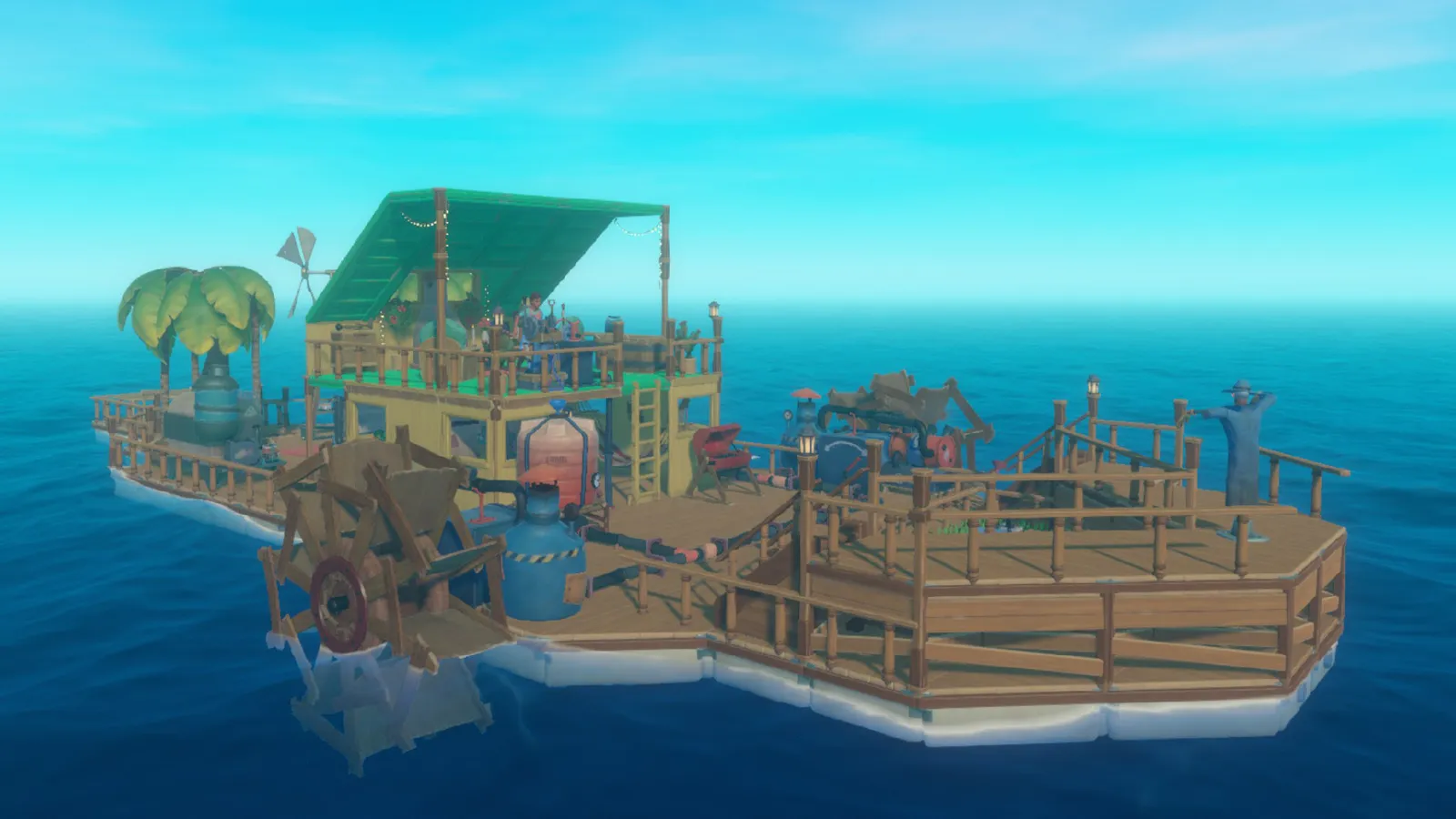
The world code is a way into a running session, not a copy of its save. To continue the same voyage, have the host load the same saved world and share the code shown for that session. Do not assume a guest can reopen that world independently just because they joined it once.
We recommend checking that the whole crew can join before spending an evening expanding the raft. If you plan to use voice chat, test it together too. If your group's devices or schedules make this setup awkward, compare other co-op survival games, checking each one's crossplay and hosting rules before choosing your next shared world.