Start with a player-hosted game in Satisfactory if you usually play together. Consider a dedicated server if your PC group wants to build at different times. Both let you work on the same factory; the important difference is who needs to keep the world running.
If anyone plays on PS5 or Xbox Series X|S, use a player-hosted session. PC–console crossplay is available, but consoles cannot join dedicated servers.
What changes between the two options?
| Question | Player-hosted co-op | Dedicated server |
|---|---|---|
| Who runs the world? | A player with the save open | A separate server program |
| Can friends play after the host quits? | No; closing the session ends access | Yes, while the server stays running |
| Can consoles join? | Yes, including PC–console crossplay without mods | No; PC players only |
| Extra hosting cost? | No server rental needed | Your own hardware or paid hosting |
A dedicated server is still co-op. You are choosing how to run the group's save, not a different factory-building mode.
Player-hosted co-op suits a regular game night
One player loads or creates a world and lets friends join. That player's machine runs the session while they play. When the host saves and quits, the factory remains in the save, but the others cannot carry on in that closed session.
For a group that meets on Sunday evenings, this is a sensible starting point. One person can extend a conveyor route while another connects the new machines to power. When everyone finishes, the host saves, and the next evening starts from there. There is no separate server to administer just to discover whether you enjoy building together.
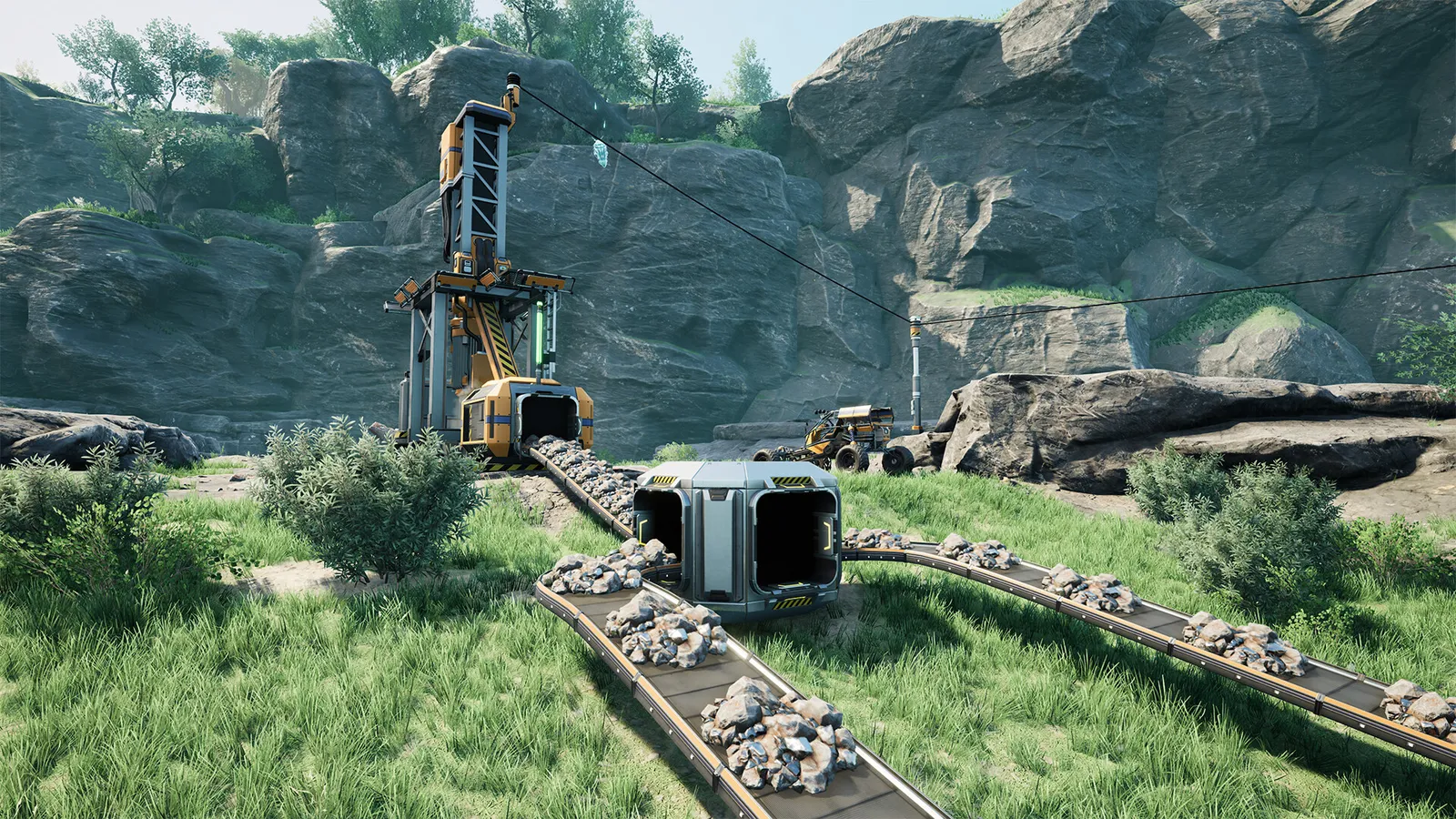
The awkward case is an uneven schedule. Suppose the usual host is away, but a friend has half an hour to finish that conveyor route. Having visited the world before does not make it available to that friend independently. Leaving the host's game open can keep the session available, but still depends on that game and machine staying on.
A dedicated server lets PC friends join independently
A dedicated server runs the world without someone needing to play the host character. Each player joins it as a client. The server program is available for Windows and Linux, and Steam and Epic PC players can use the same server.
You can run it on your own hardware or rent hosting. With your own machine, someone handles installation, updates, network access and keeping it powered on. Renting moves the machine elsewhere, but you still need to understand the service's backups, update controls and save-download options. Check those before paying, especially if you want the freedom to move your factory later.
Running the server on the same PC you play on is possible, but it does not make the world available when that PC is shut down. Nor does the word “dedicated” guarantee better performance: the machine, connection and size of the factory still matter. Choose it for the access your group needs, then assess whether the hardware can handle your save.
Does the factory keep working when everyone leaves?
That depends on the server's pause setting. With Auto Pause enabled, the simulation pauses when nobody is connected. Disable it and the factory can continue operating while the server runs, even with no players online. Being available to join and actively producing materials are separate choices.
An unattended production line still needs power, inputs and somewhere for its output to go. Leaving it overnight will not fix a blocked belt or an empty fuel supply. We recommend keeping the pause enabled for a new group, then deciding together whether overnight production would make the next session more enjoyable.
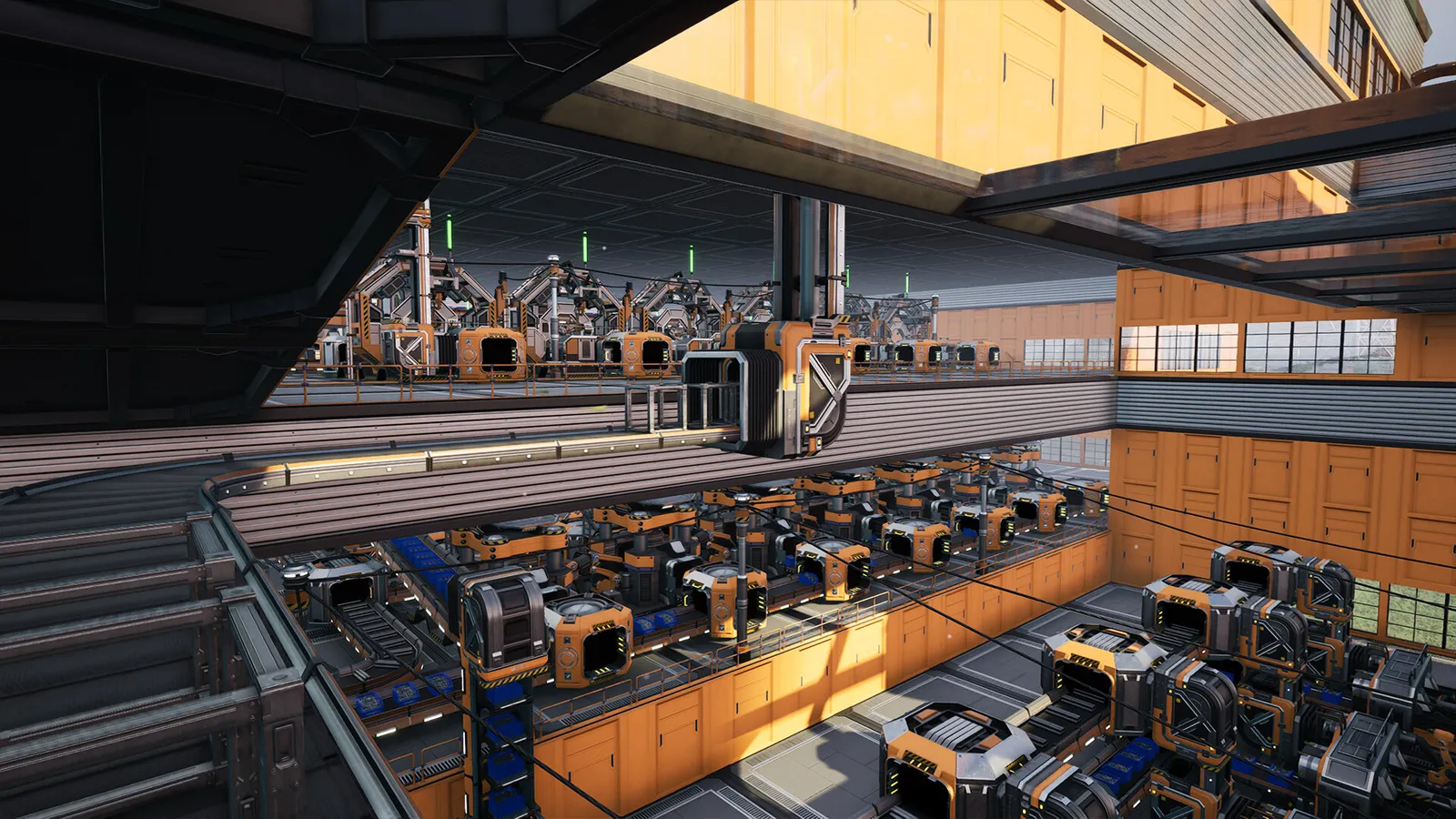
Auto Pause also does not stop a friend playing alone. While someone is connected, they can build and advance the world's shared progress. Agree whether those visits are for expanding supply lines or also unlocking the next stage. Returning to a useful stockpile feels different from missing the group's next big unlock.
Check platforms before arranging the server
Player-hosted multiplayer supports crossplay between Steam, Epic, PS5 and Xbox Series X|S. For crossplay, link your platform account to Epic Games and add your friends on Epic. Coffee Stain's crossplay setup instructions explain the account and friends-list requirements. Consoles also need an Epic account for same-platform multiplayer; Steam-only groups can use the Steam backend.
Dedicated servers are PC-only: renting one does not let console friends join. Plan around the officially supported four-player experience; larger PC sessions require configuration changes and are outside that supported player count.
Satisfactory has no split-screen co-op, so each player needs a separate device and access to the game. Online play on PS5 requires PS Plus; on Xbox Series X|S, it requires a Game Pass plan that includes online console multiplayer.
PC–console sessions must be unmodded because consoles do not support mods. Keep everyone's game, and the server if you use one, on compatible versions. If a friend cannot join, check those requirements before changing how you host the factory.
Can you move an existing PC factory to a server?
Yes. You do not need to rebuild your factory to change hosting. The PC server tools support uploading an existing save, and administrators can download a server save to continue locally. Treat the move as a handover of one continuing world:
- Save and keep a backup. Finish the current session and copy its latest save somewhere separate before changing anything.
- Prepare the destination. Set up the server, its administrator access and a player password. Keep the game and server versions compatible.
- Upload and load the save. Use the save-management options in Server Manager, then join and check that the expected factory and progress are present.
- Make the server copy the group's continuing game. Keep the old local file as a backup. Continuing both copies creates separate versions of the factory; their later changes do not merge.
These steps are for PC saves. Crossplay does not let you transfer saves between PC and consoles: the save stays on the host's platform. Keep downloading backups as the server world grows, and take a fresh copy before moving between hosting providers or returning to player hosting. A backup from the day you first set up the server will not contain the work added afterwards.
Choose around the session you actually want
For two or more friends who want to discover each production stage together, start with normal hosting and keep the setup small. For a PC group whose favourite part is dropping in to improve one corner of the factory, a dedicated server can remove the need to wait for one particular person.
That distinction matters across co-op factory automation games: a shared project can be a weekly appointment or somewhere friends contribute whenever they have time. In Satisfactory, let that preference—and the platforms in your group—decide how you host it.