If a fifth friend wants to join PEAK, the usual lobby is too small: the unmodified game supports four players online, including the host. PEAK Unlimited by glarmer is the mod designed to raise that limit. Only the host needs it to open extra places.
This setup uses the Steam version on Windows and the r2modman manager. Everyone needs access to the game on their own PC. Choose who will host before installing anything: putting the mod on a friend's computer will not expand a room hosted by someone else.
Does everyone need PEAK Unlimited?
The host needs PEAK Unlimited and its required loader, BepInExPack PEAK by BepInEx. r2modman can install both together. The other players can join without the mod, although installing it also gives them fixes for the end-of-run display.
For groups larger than eight, we recommend that everyone installs it. The author explains that unmodded clients can lack volume sliders for the ninth player onwards and show incorrect names above characters. Being able to enter the room and having every interface element work correctly are separate concerns.
Install the host's profile with r2modman
The host should follow these steps, starting with just the lobby mod and its dependency. Other players who want the optional interface fixes can follow the same steps on their own PCs, including launching with Start modded.
- Install r2modman from its official listing. Open the r2modman page by ebkr and follow its Windows installation instructions. The download contains the versioned r2modman Setup installer. Use the author's links rather than a repackaged download from a search result.
- Select PEAK and create a profile. Give it a recognisable name, such as PEAK group, so you can find the same setup next time.
- Find the exact package in Online. Search for PEAK_Unlimited and check that the author is glarmer. A similarly named modpack may contain other changes you do not need.
- Download it with dependencies. Choose Download mod + dependencies. In Installed, check that both PEAK Unlimited and BepInExPack PEAK are present and enabled.
- Launch with Start modded. Use that button in the selected profile. With the standard manager setup, opening the game directly through Steam launches without the profile's mods.
If several players are installing the mod, r2modman can export the host's profile as a code or file through Settings. Friends can import it from the profile selection screen to use the same mod versions. This does not transfer manually installed or locally imported mods.
Set the player limit before hosting
At PEAK's main menu, press F2 to open the mod settings. Set Max Players to your intended group size, counting the host: six for six people, for example. The default is 20, but that is a configuration value, not a promise that a 20-player session will run smoothly.
Change the limit before creating the lobby. The author documents that this option is disabled once a game has started; if it is greyed out, return to the main menu. Then host a room and invite the others, or share its room code privately. Wait for everyone to join before starting the climb.
Before starting a full run, check that the fifth player can join, you can hear one another, and the whole group can load into the climb. Repeat this check after game or mod updates.
What changes once more people join?
PEAK Unlimited also adds campfire food for extra players and adjusts backpack spawning. Its settings let the host change those supplies. We recommend leaving those defaults alone for the first session, then deciding whether the group wants different resource settings.
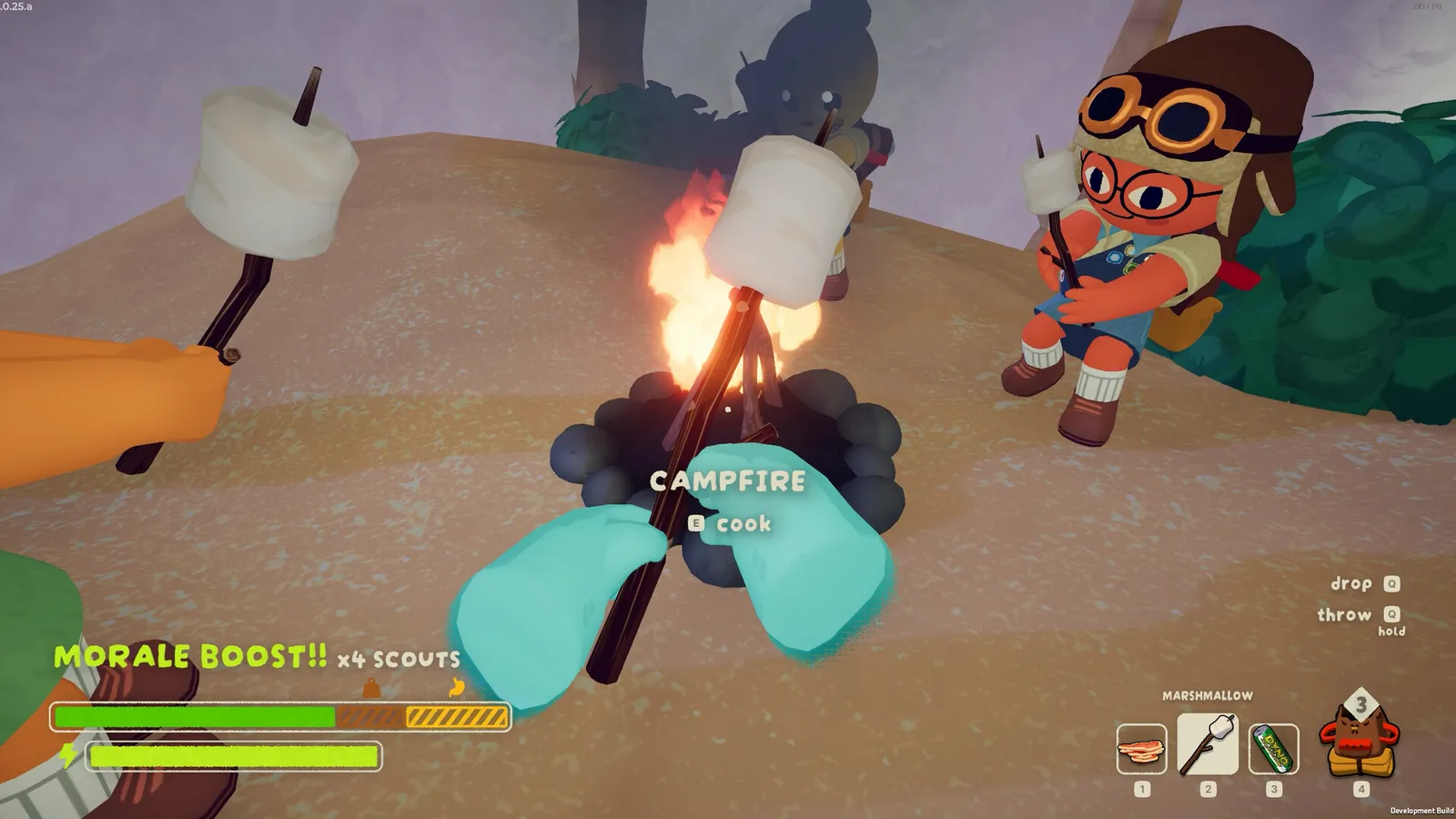
More teammates can help each other up ledges and use a rope placed by someone ahead, but each person still has to manage their stamina. If six of you are waiting below a difficult ledge, agree who will climb first and help from above. Extra places are useful when they let your existing group stay together; there is no need to fill every available slot.
If the fifth player still cannot join
- Check who created the room. It must be the player running the modded profile. Confirm that PEAK Unlimited and its dependency are enabled there.
- Check the launch and limit. Use Start modded, verify the F2 setting at the main menu, then create the room again. If no mods load, compare the PEAK installation folder in Steam with the game directory selected in r2modman.
- Check updates before adding more mods. Finish game updates and consult the author's compatibility notes. Retry with only PEAK Unlimited and its dependency to narrow down a possible conflict.
If everyone connects but play becomes unstable, try fewer players and keep the mod profile minimal. The author warns that larger groups need more system resources. For an unresolved mod issue, report the game version, mod version, player count and exact symptom through the mod's issue tracker.
What about console crossplay?
PEAK supports crossplay between Steam, PS5, Xbox Series X|S and Nintendo Switch 2. However, Landfall's PEAK FAQ says mods are not supported when playing with console players and warns that even client-side mods may cause problems. The mod's crossplay-update compatibility label does not establish support for an expanded PC-and-console group. Use this guide for a PC group; for a console mix, plan around the standard four-player limit.
If your group would rather choose a game with enough places built in, compare the player limits in our co-op survival games selection. Choose the setup that gets the whole group playing with the amount of preparation you are happy to do.