You do not always need to buy two copies to play co-op. A game with local multiplayer can let you share one system; a Friend’s Pass can let a second player join online for free. But an ordinary online invitation usually assumes that both players already have access to the full game.
The useful distinction is how you will connect. Two people on one sofa might use one console or two laptops, and those arrangements can require different purchases.
Remote Play Together is another way to use one copy: the host’s PC runs a supported local multiplayer game and streams it to a friend, who sends their controls back over the internet. With a Friend’s Pass, each device runs the game itself. Nintendo’s GameShare is a separate sharing feature for supported Switch 2 games.
Here is what you need for two players. The sections below explain the platform and edition restrictions:
| Game | On one system | On separate devices |
|---|---|---|
| It Takes Two | One copy. | One copy + Friend’s Pass on compatible platforms. Local GameShare from Switch 2 is another option. |
| Split Fiction | One copy. | One copy + Friend’s Pass on compatible platforms. Local GameShare from Switch 2 is another option. |
| A Way Out | One copy. | One copy + guest trial within a supported platform family, or Steam Remote Play Together. |
| Overcooked! 2 | One copy. | Each needs access for ordinary online play. One-copy alternatives: Steam streaming or Switch 2 GameShare. |
| Stardew Valley | One copy on PC or consoles. | Each needs access for ordinary online/LAN play. One-copy alternatives: Steam streaming or Switch 2 GameShare. |
| Baldur’s Gate 3 | One copy on supported split-screen systems. | Each needs access for ordinary online play. Steam Remote Play Together can stream split-screen instead. |
| Deep Rock Galactic | No built-in local co-op. | Each needs access; versions must use a compatible multiplayer network. |
| Lethal Company | No built-in local co-op. | Each needs access on Steam. |
“Access” need not mean a new purchase. You may already own the game, have it through a valid subscription or qualify for platform sharing. These are the games’ own co-op arrangements; check those separate entitlements before paying twice.
Three games where the guest does not need to buy a copy
It Takes Two: one copy and the Switch exception
For It Takes Two, one full copy covers two players on the same system. To play online, the other player downloads the free Friend’s Pass and accepts the owner’s invitation. That gives you the full adventure together, not just an opening level.
Crossplay connects PC, PS4, PS5, Xbox One, Xbox Series X|S and Nintendo Switch 2. The original Switch edition sits outside that group: to join it online, a Switch 2 player must use the original Switch edition. Switch 2 can also share a local session with an original Switch through GameShare. Buying a second copy on an incompatible platform will not solve the connection problem.
Split Fiction: a free guest across supported platforms
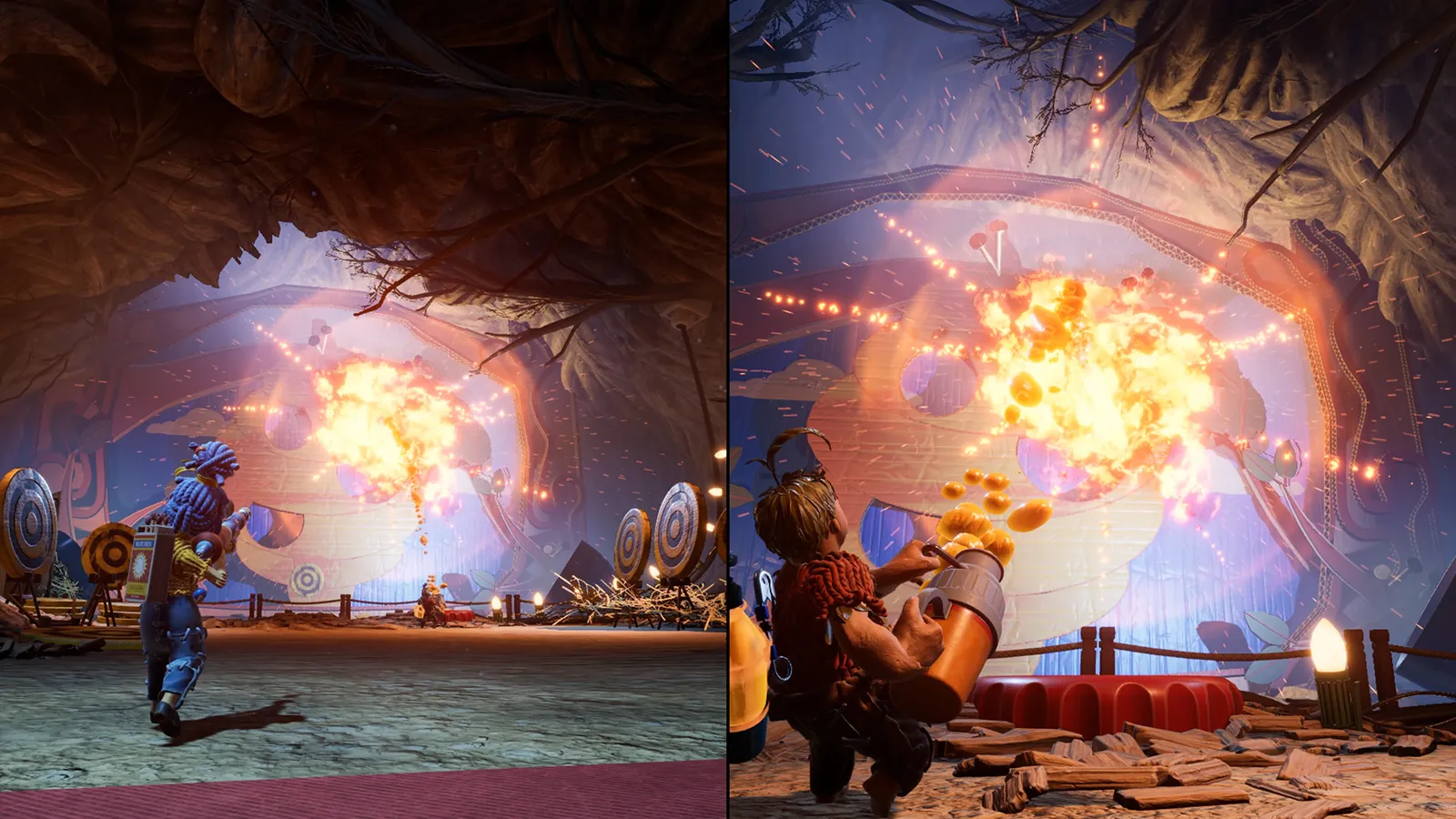
Split Fiction uses the same basic arrangement: one full copy for couch co-op, or an owner inviting a guest with Friend’s Pass online. Crossplay includes PC, PS5, Xbox Series X|S and Switch 2. For example, a PS5 owner can invite a PC guest without asking them to buy the game.
To join through Friend’s Pass, the guest needs a device that can run the game and must download the pass. Both players need platform accounts; crossplay also requires linked EA accounts. There is no native PS4, Xbox One or original Switch edition. An original Switch can join locally through GameShare from a Switch 2, which is a different arrangement from downloading the game and joining online.
A Way Out: look for the free trial used as a pass
A Way Out also lets an owner invite a partner through its free trial/Friend Pass. Despite the trial label, the invitation allows you to play the full story together. On PC, EA provides the guest download through the EA app; Steam also offers Remote Play Together as a separate streaming route.
Local split-screen needs one copy. For native online play, stay within the supported platform family: A Way Out does not connect PlayStation, Xbox and PC players through crossplay. Its pass is not a promise that every Hazelight game supports the same combinations.
These passes suit a pair planning one campaign together. They do not give the guest an independently owned copy to host with anyone they choose.
Three games where your setup changes the answer
Overcooked! 2: check the edition and connection
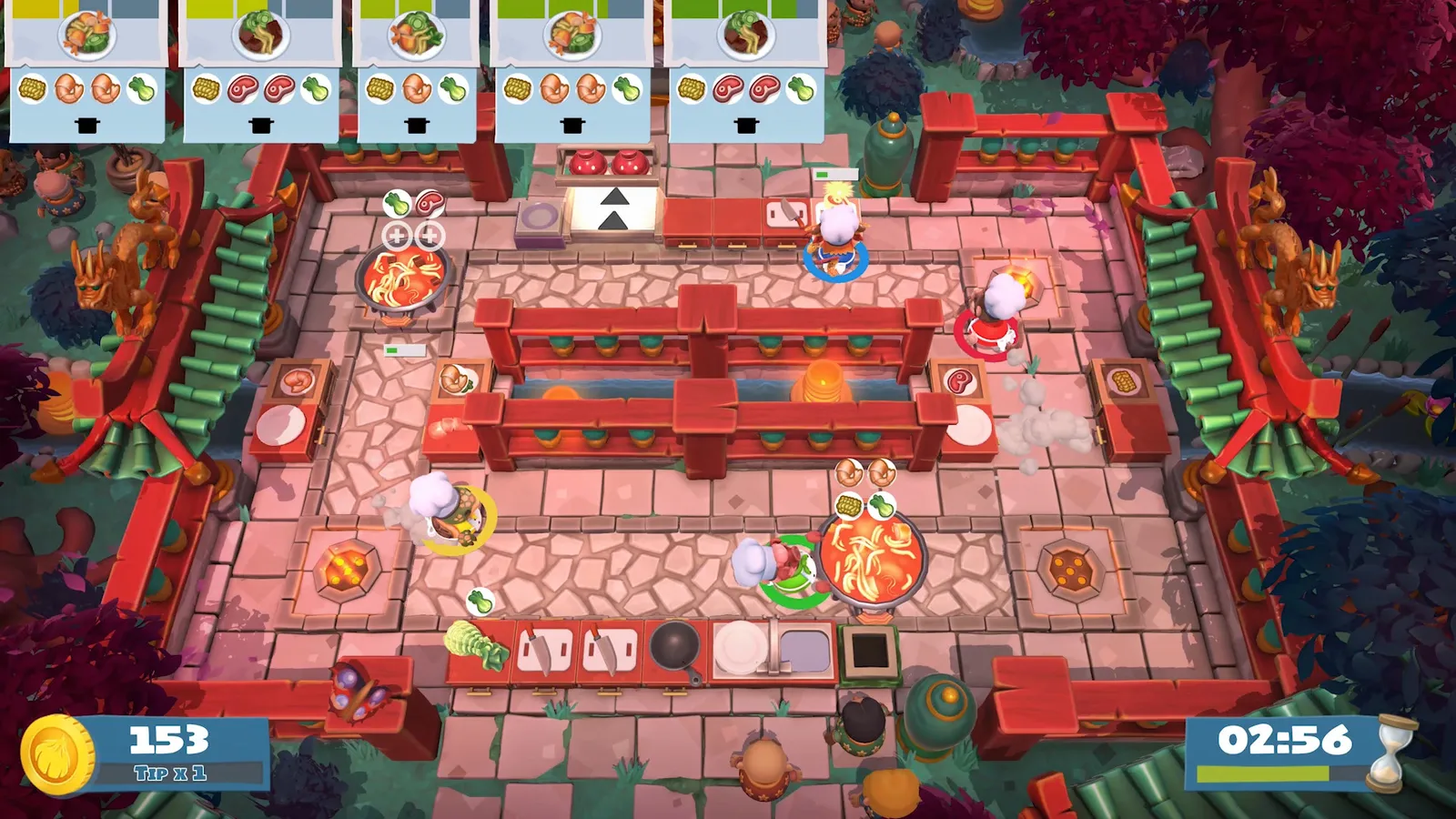
Overcooked! 2 supports up to four chefs locally on one copy. Two players on the same console can cook together without buying a second game. If you instead use its ordinary online multiplayer on separate systems, each system needs access to the game; there is no Friend’s Pass.
There are two useful one-copy alternatives for separate devices: Steam Remote Play Together, and GameShare in the Nintendo Switch 2 edition. GameShare supports nearby play and online play through GameChat; online, everyone needs a Switch 2 and Nintendo Switch Online. Running the original Switch version on a Switch 2 does not add GameShare: you need the Switch 2 edition or its upgrade pack.
Check the exact title as well. Overcooked! All You Can Eat is a separate collection, and its online players cannot join someone running standalone Overcooked! 2. For standalone Overcooked! 2, PC players need compatible versions and may need to select the crossplay version in Steam. This does not connect PC to consoles. Paying for two games with similar names is no guarantee of a shared lobby.
Stardew Valley: split-screen, online or GameShare
Two people can play Stardew Valley in split-screen from one copy on PC, PlayStation, Xbox or Switch. For ordinary online or LAN play on separate machines, both need access. On Steam, Remote Play Together lets you stream the local mode instead. Buying two copies does not enable crossplay between PC and consoles or between different console families.
The Nintendo Switch 2 edition adds another exception: GameShare lets one owner invite up to three guests without their own copies. It supports nearby sharing and online sharing through GameChat. For GameShare, the host needs a Switch 2; an original Switch can receive a nearby session, while online guests need Switch 2 systems and the required Nintendo Switch Online membership.
Mobile is a separate case, not a substitute for the couch setup above. Android and iOS have experimental IP-based multiplayer that can join a PC-hosted farm, with matching versions; Stardew Valley+ on Apple Arcade is excluded. For a straightforward first session, we recommend choosing the supported local or online setup you already have rather than buying a mobile copy on that assumption.
Baldur’s Gate 3: two adventurers can share one screen
Baldur’s Gate 3 supports two-player local split-screen from one copy. You can use it on PC, PS5 and Xbox Series X|S, including Series S. On PC, use two controllers for split-screen. Steam Remote Play Together can stream that local session to a distant partner.
If you each want the game running on your own machine through native online co-op, both need access to the full game. Crossplay connects PC, Mac, PS5 and Xbox Series X|S, but it does not supply a free guest copy. Each player must link their platform account to a Larian account for crossplay. Keep game versions and any mods compatible before starting your campaign.
Two games that need access on each device
Deep Rock Galactic: check the PC store before buying
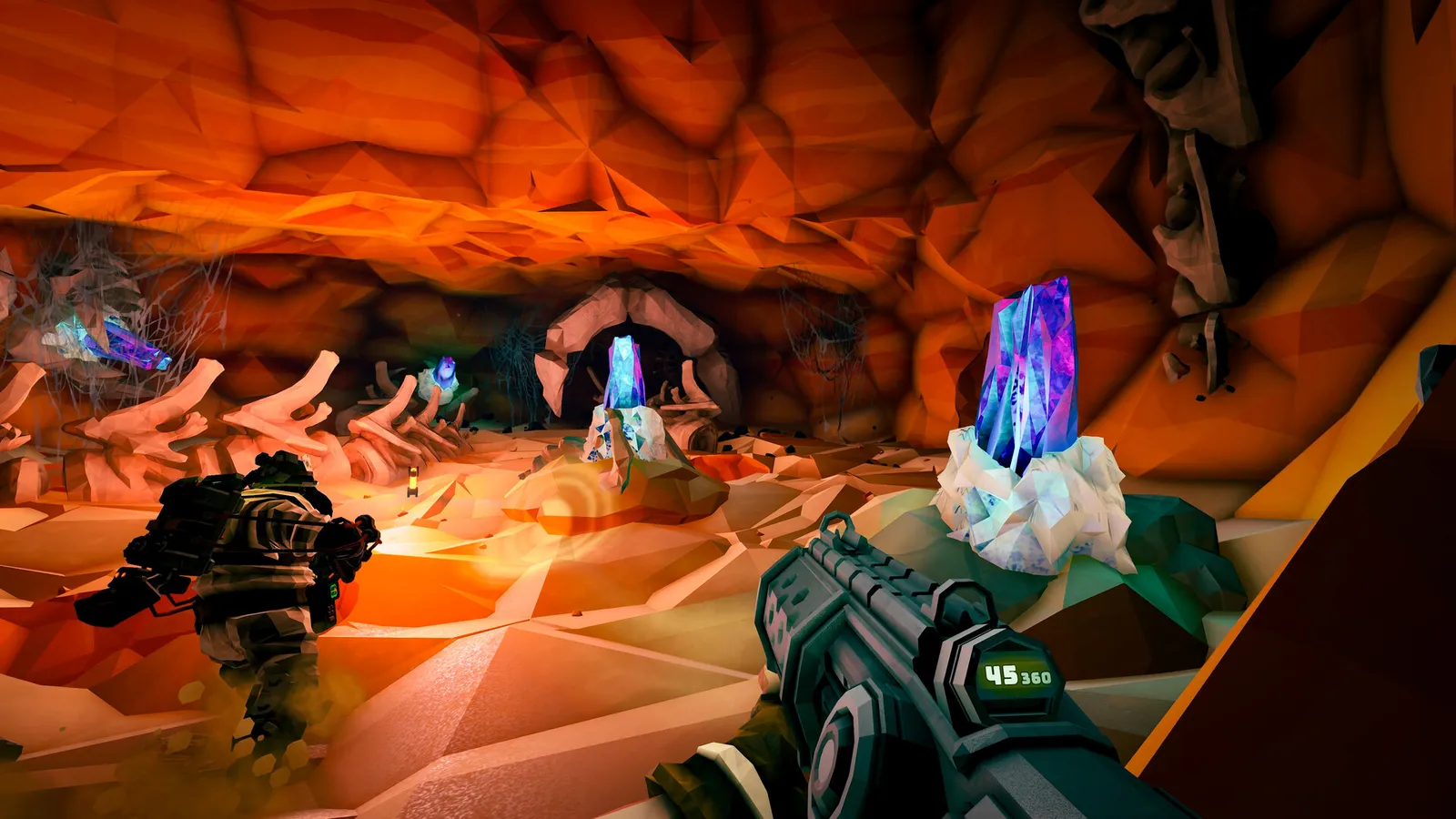
For Deep Rock Galactic, each of you needs a supported device and access to the game. There is no built-in split-screen mode or Friend’s Pass. Two controllers connected to one console will not create a second dwarf.
The crucial purchase check is the multiplayer network. Steam players cannot join the Microsoft Store/Xbox group. A pair using Xbox and a Windows PC should check the Microsoft Store version rather than buying the Steam version simply because both are PC releases. Access to the right game on the wrong network still leaves you unable to play together.
Lethal Company: hosting does not give your friends the game
Lethal Company uses separate PC clients for its standard co-op. Each player needs access to the game on Steam; the person hosting the lobby does not unlock it for everyone else. It has no built-in split-screen or Friend’s Pass.
For two members of a Steam Family to play the same shared game at once, the family needs two copies. That is different from Remote Play Together, which streams a supported local multiplayer session.
Choose the connection before the second copy
If you choose Remote Play Together, remember that you keep the local mode’s screen layout and controller requirements. The guest does not install a second full copy, but connection quality affects how responsive the controls feel.
A free pass does not remove console online-play requirements. Each participant needs the appropriate online access, but that does not always mean buying an individual subscription. For example, PlayStation Plus can share online multiplayer with other accounts on one PS5 with Console Sharing and Offline Play enabled, or on the subscriber’s primary PS4. Check your platform’s sharing rules before paying for another membership. Local play on one system does not need an online-multiplayer subscription.
Before checking out, agree on three things: the exact edition, the devices you will use and whether you will join locally, through a guest pass, by streaming or through ordinary online multiplayer. Once those match, buy only the access you are missing.
If you decide on a shared story campaign, our selection of story adventures for two is a useful place to compare the kind of journey you want.